Introduction
The broadcast to the studios can be established in different ways:- Digital audio via Internet
- SIP call (full-duplex with minimal latency).
- RTP streaming (transmission only).
- Shoutcast/Icecast server.
- Mobile phone call (Bluetooth).
- Land line phone call (POTS).
Internet Connection
The CODEC-MIXER MX2200 can connect to the Internet in three ways. Only one connection can be active at a time, although it is possible to configure more than one so that if one fails, the console re-establishes the connection automatically via another route.- Wi-Fi Connection
- Ethernet Connection
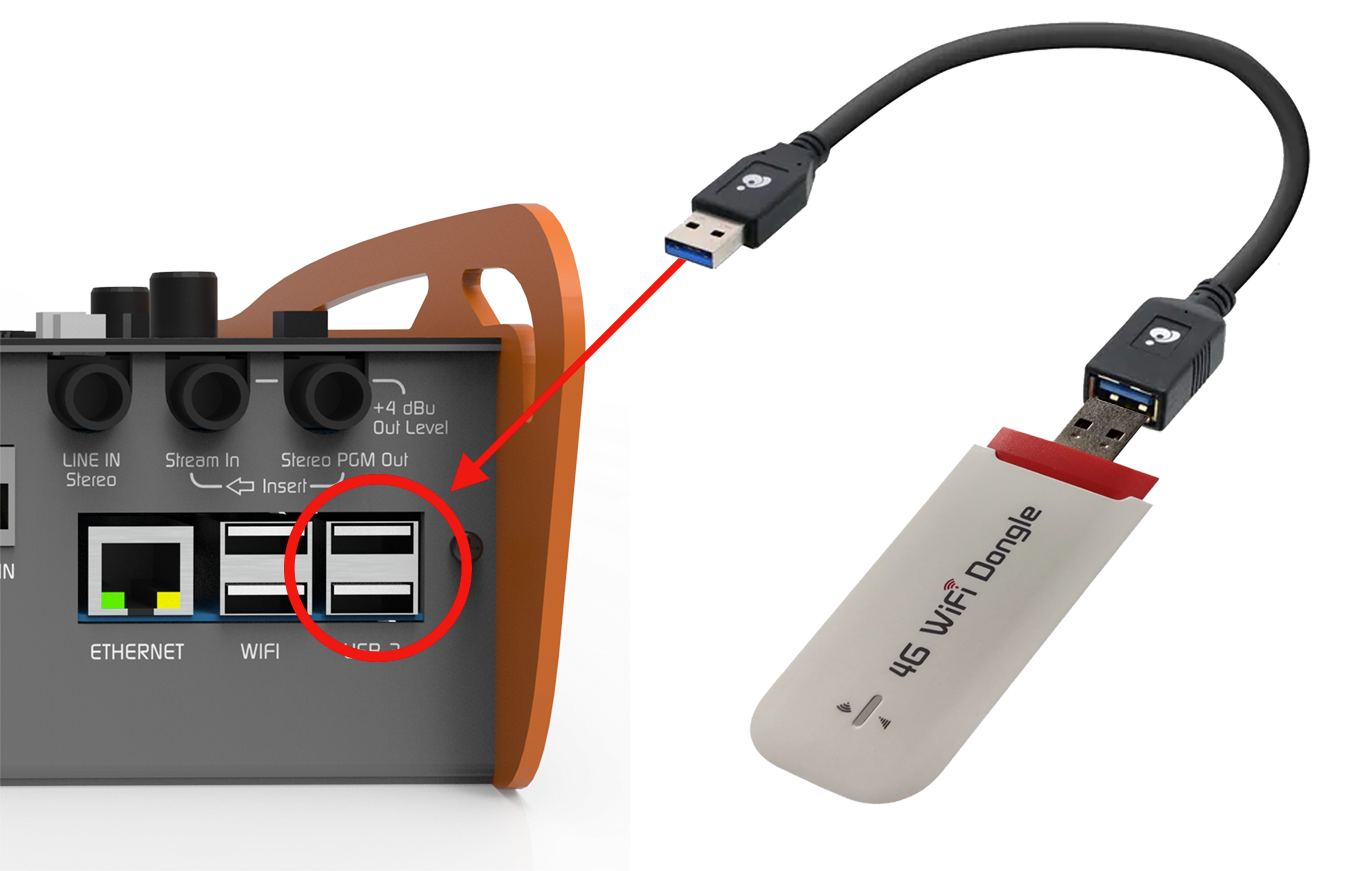
- 4G/5G Connection
1
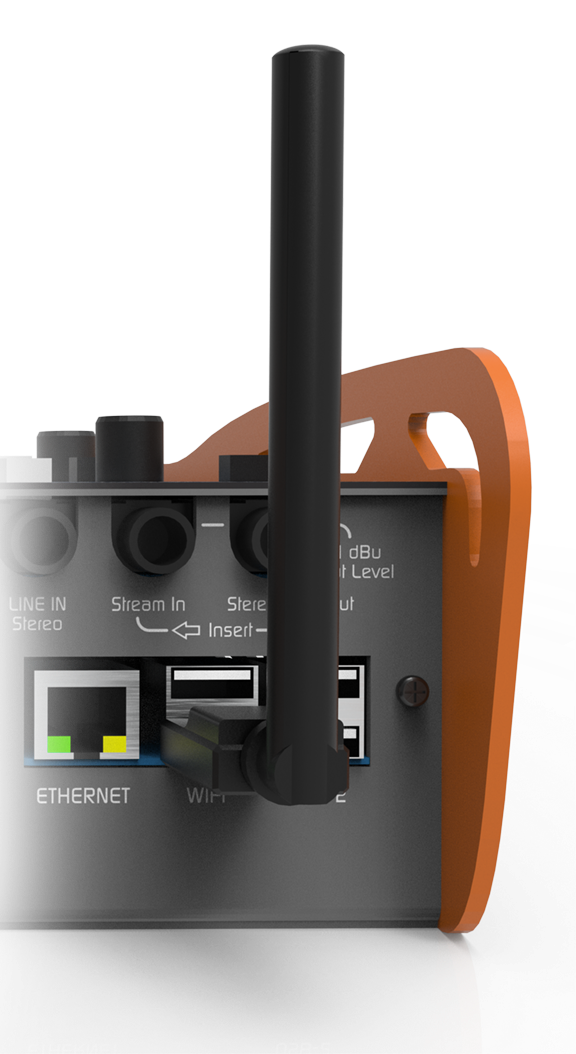
Connect antenna
2
Verify connection
The Wi-Fi icon will appear at the top of the HOME screen. Initially it will be displayed in gray (no signal).
3
Access available networks
Turn the encoder to SETUP, press to access, and then select Wi-Fi.
A list of available networks will be displayed.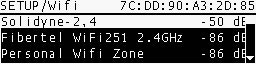
A list of available networks will be displayed.
4
Select and connect
Choose the desired network and enter the password using the DATA ENTRY keyboard.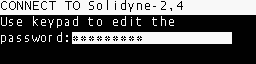
- If the password is valid, the network assigns an IP address (visible in SETUP/Wi-Fi). This may take a few seconds.
- If it is incorrect, the IP will remain 0.0.0.0 and you must repeat the procedure.
5
Confirm connection
Once connected, the Wi-Fi icon on the main screen will show the signal strength.
The unit is ready for SIP calls, RTP streaming, or web server connection.
The unit is ready for SIP calls, RTP streaming, or web server connection.
You can check Internet access by connecting a mobile phone or notebook to the same Wi-Fi network and browsing the web.
It is also possible to use a mobile phone in Hotspot mode, creating a Wi-Fi node to which the MX2200 will connect.
It is also possible to use a mobile phone in Hotspot mode, creating a Wi-Fi node to which the MX2200 will connect.